Visual Event Editor for MV & MZ
A downloadable tool
Visual Event Editor
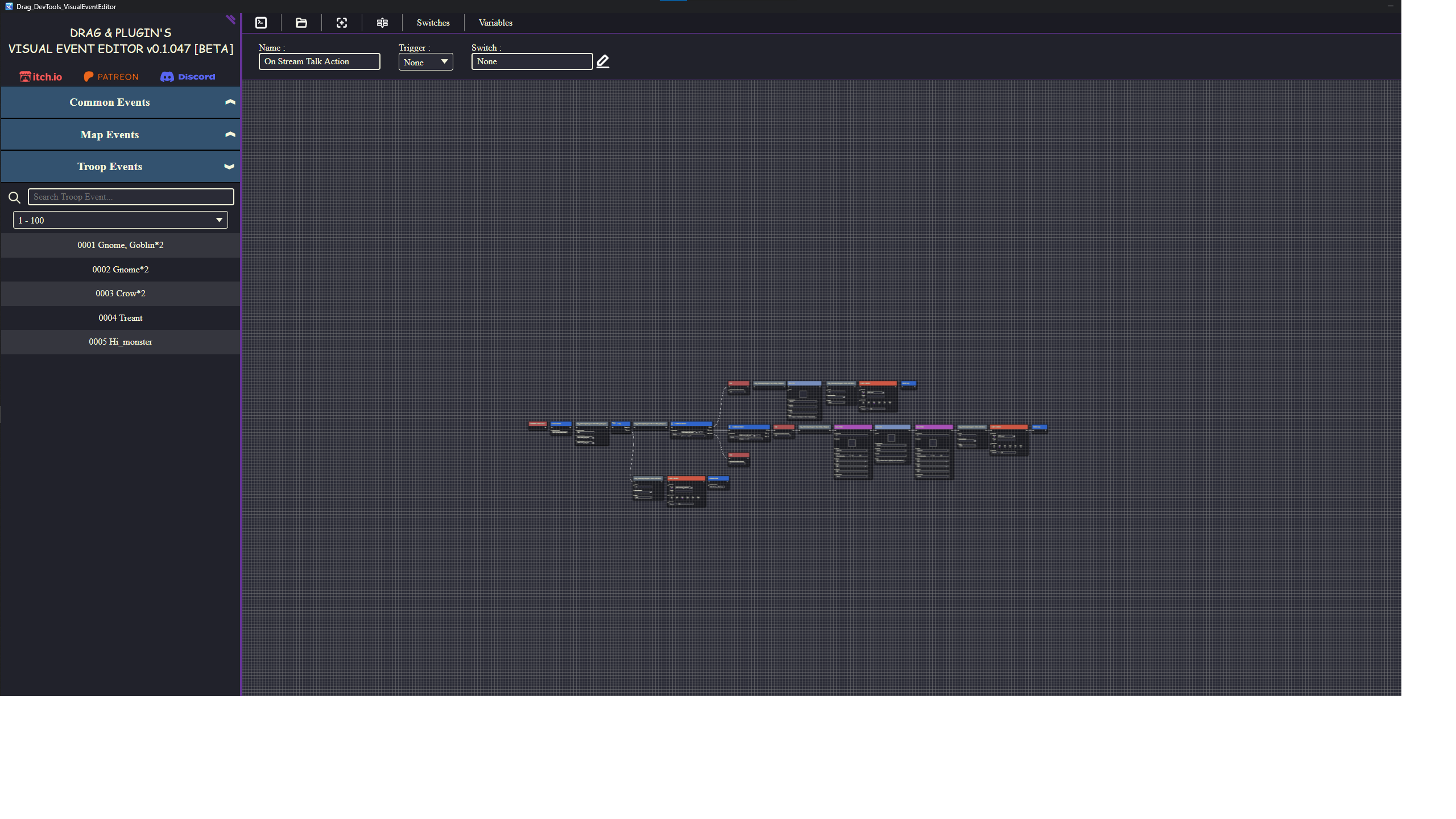
A node-based eventing tool for RPG Maker MV & MZ




Overview
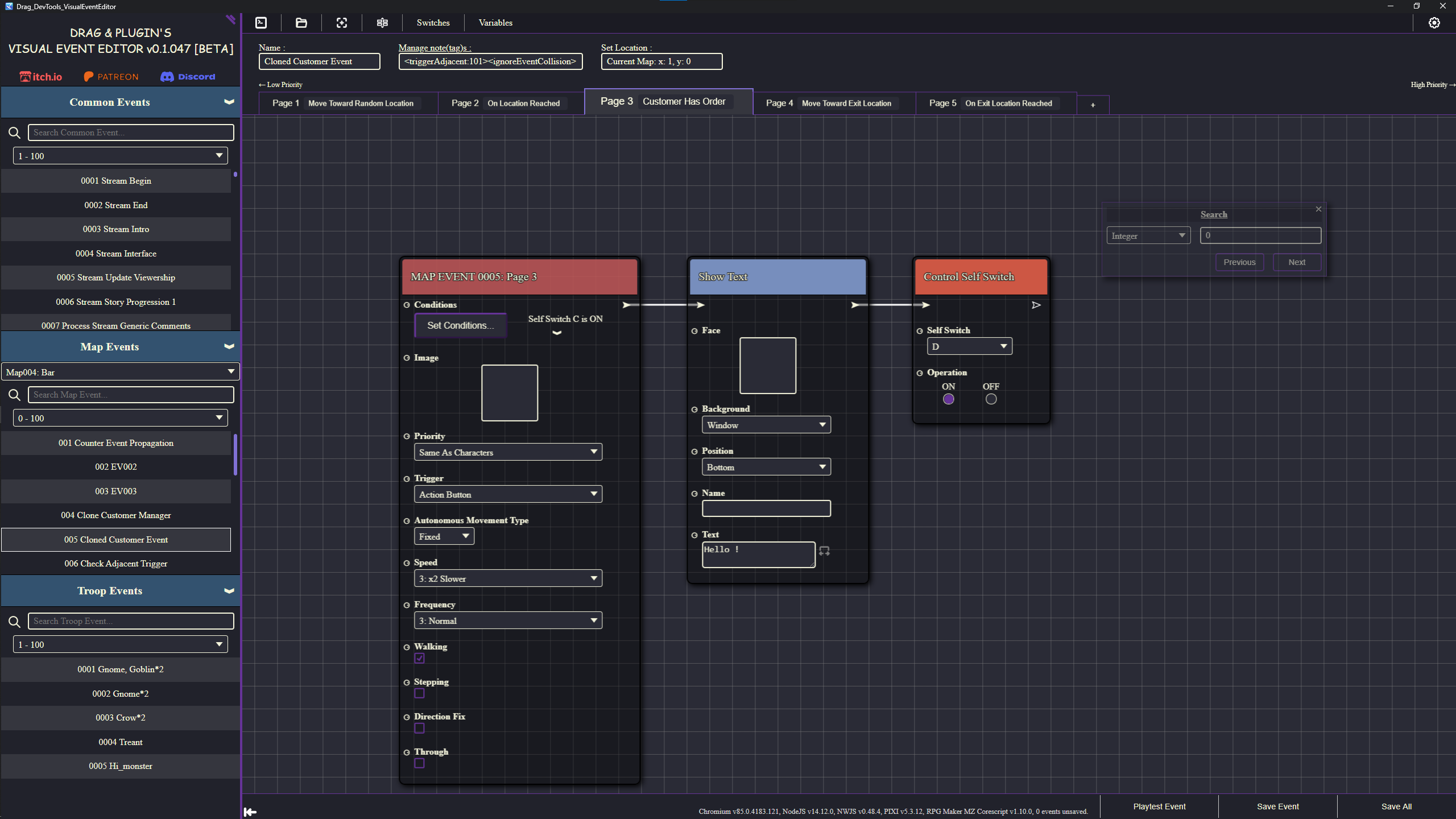
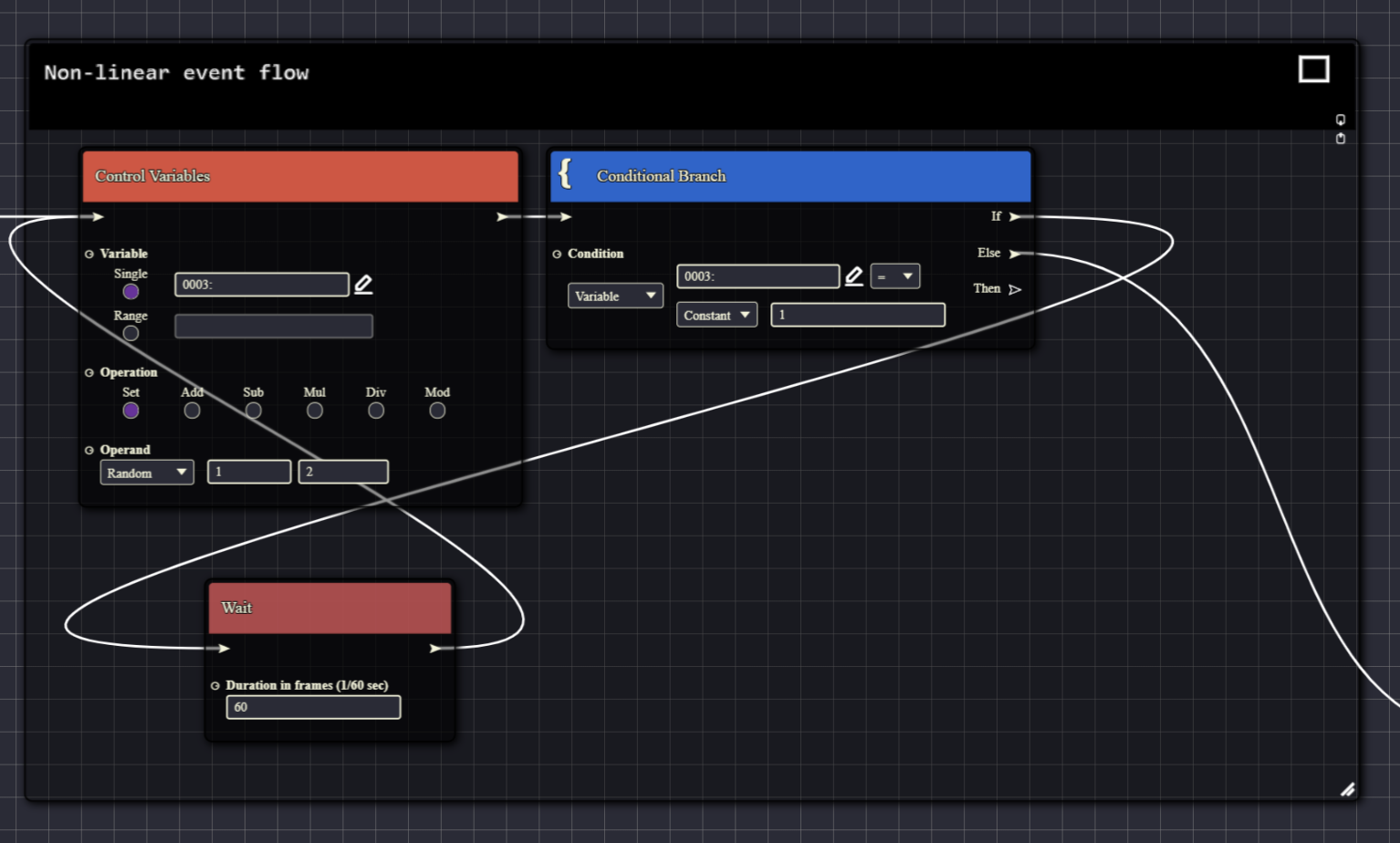
Visual Event Editor is a node-based eventing tool for RPG Maker MV and MZ. It transforms the native list of event commands into an intuitive graph interface, making event creation faster, clearer, and easier to maintain.
Designed for both beginners and advanced users, it brings modern visual scripting concepts to the RPG Maker ecosystem, while maintaining compatibility with the native editor and plugins.
Features
- Node-Based Event Creation
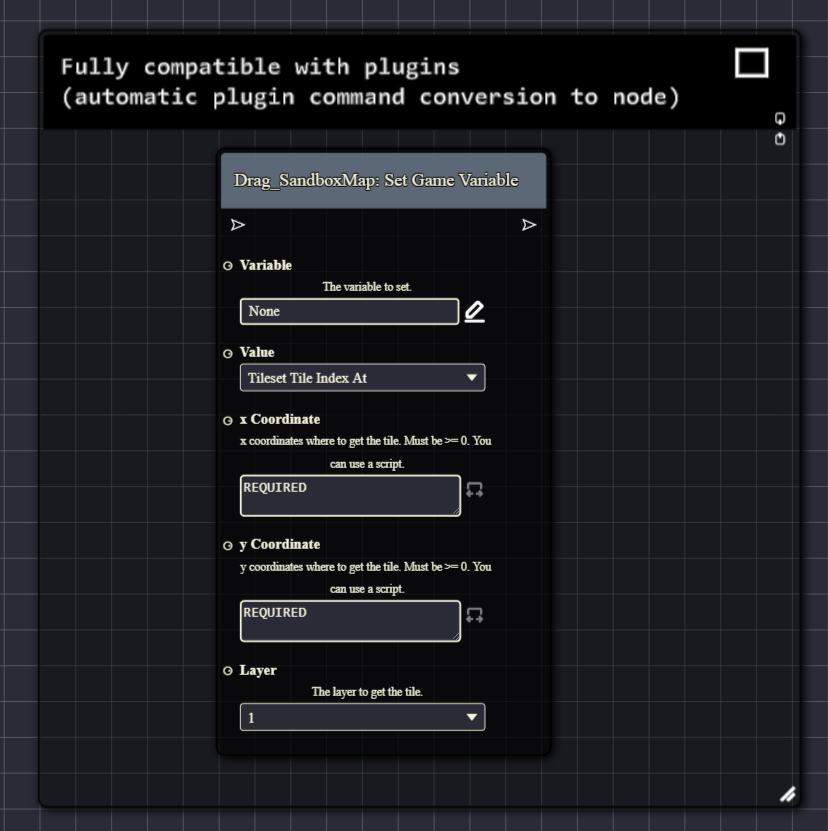
- Compatible with RPG Maker MV, MZ and plugins
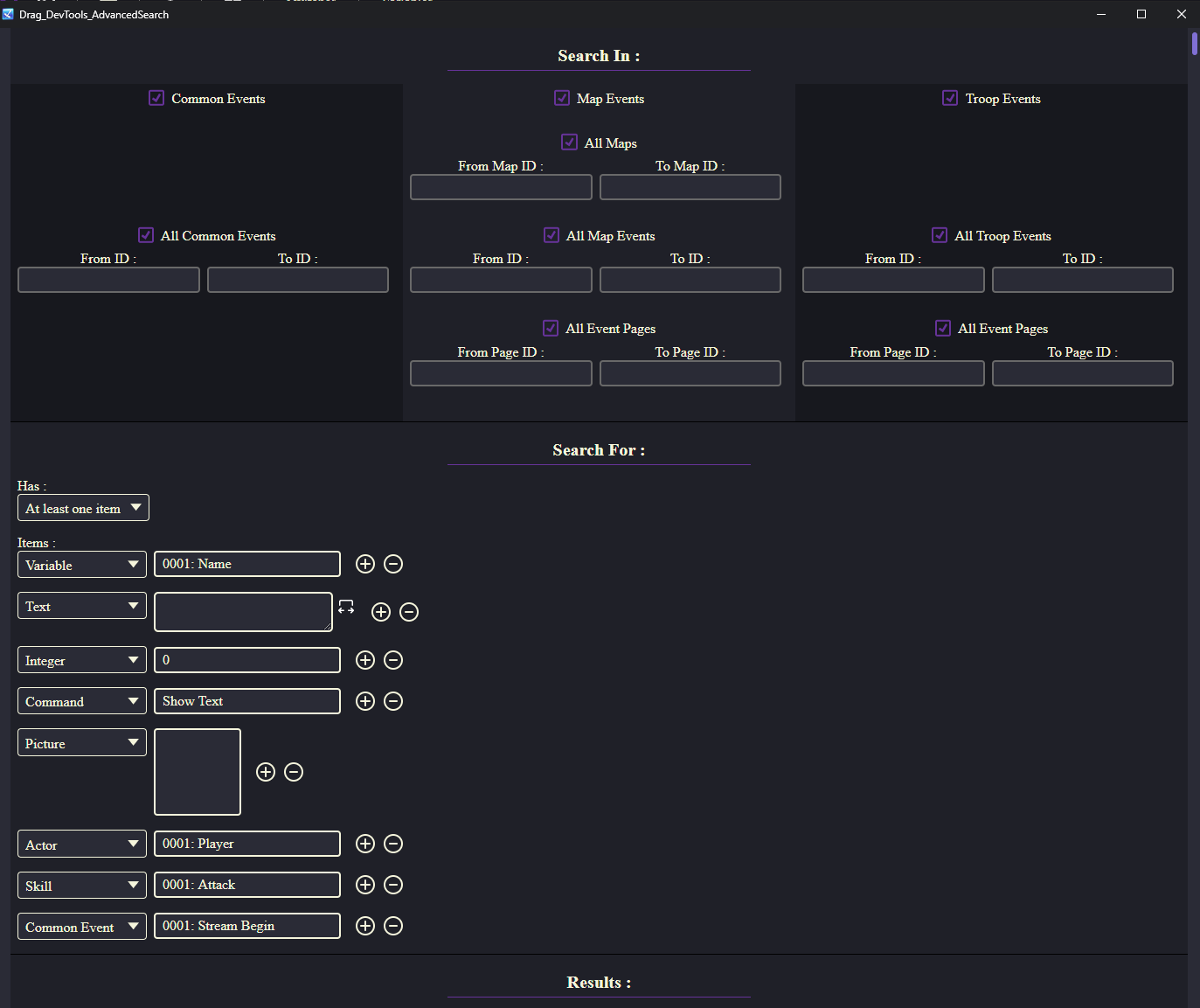
- In-Graph Search (
Ctrl + F) and Advanced Search (find references across all events and maps) - Reroute Nodes for cleaner curves layout
- Comment & Group Boxes with customizable color, text and size
- Automatic Node Layout for a clean graph organization with the press of a button
- Live Playtesting of events or specific commands selections
- Execution Highlighting for easier debug.
- Automatic Node Conversion of MZ Plugins Commands
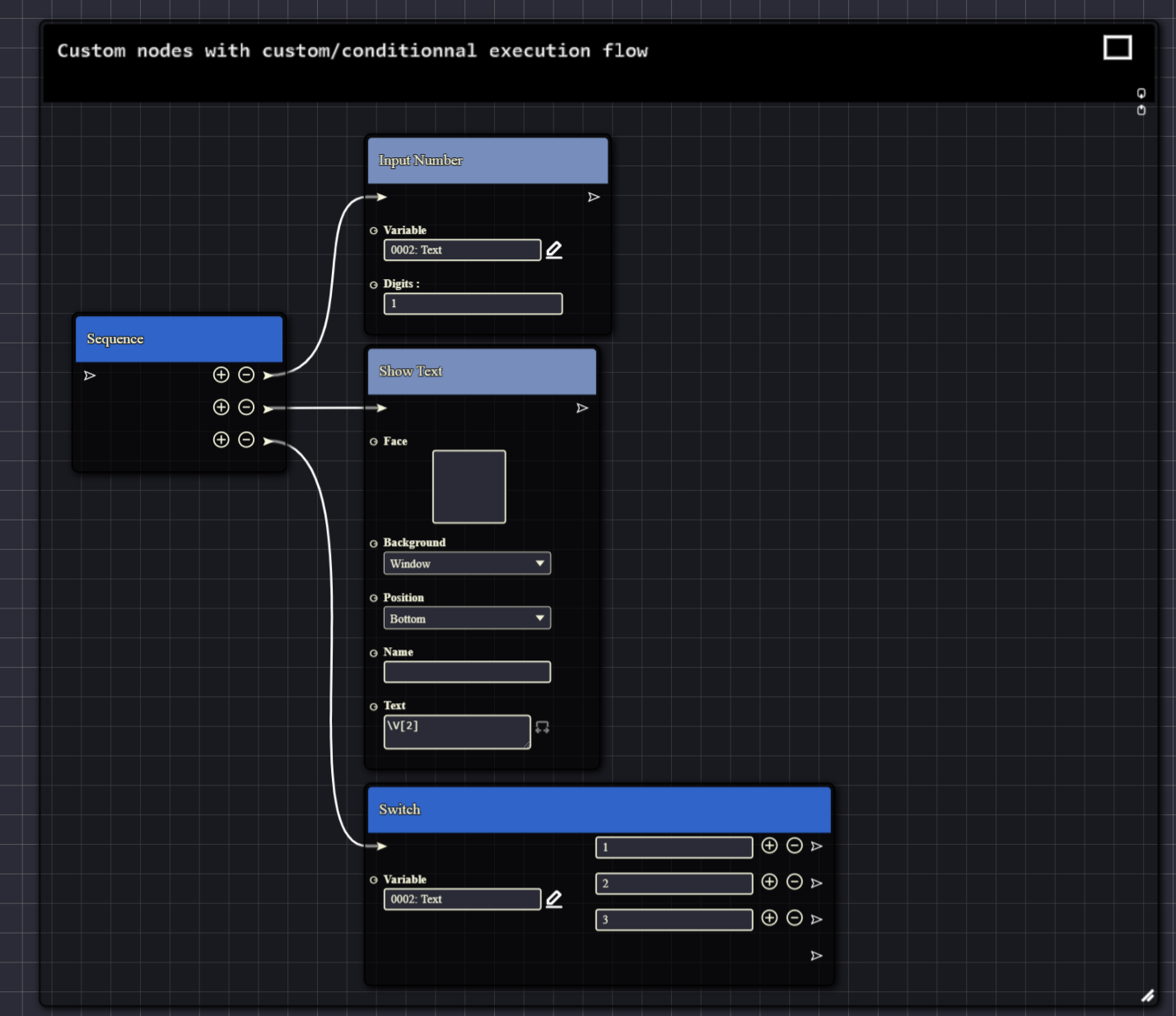
- Custom Node Framework (WIP)
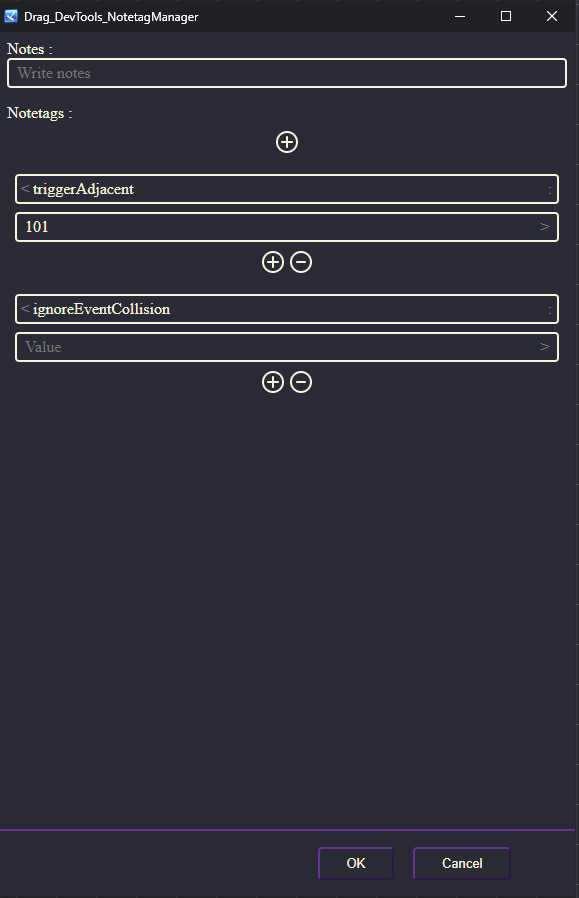
- Notetag Manager for clear and easy notes and notetags manipulation
- Move Route Preview for MV (+ fixes and improvements for MZ)
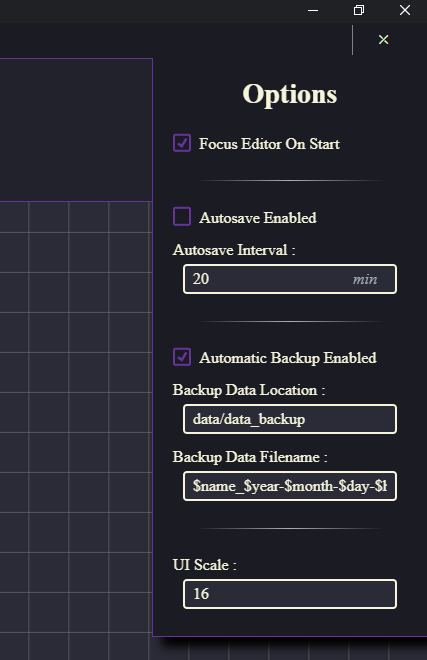
- Automatic Backups on save (optional)
- Automatic Save with customizable interval (optional)
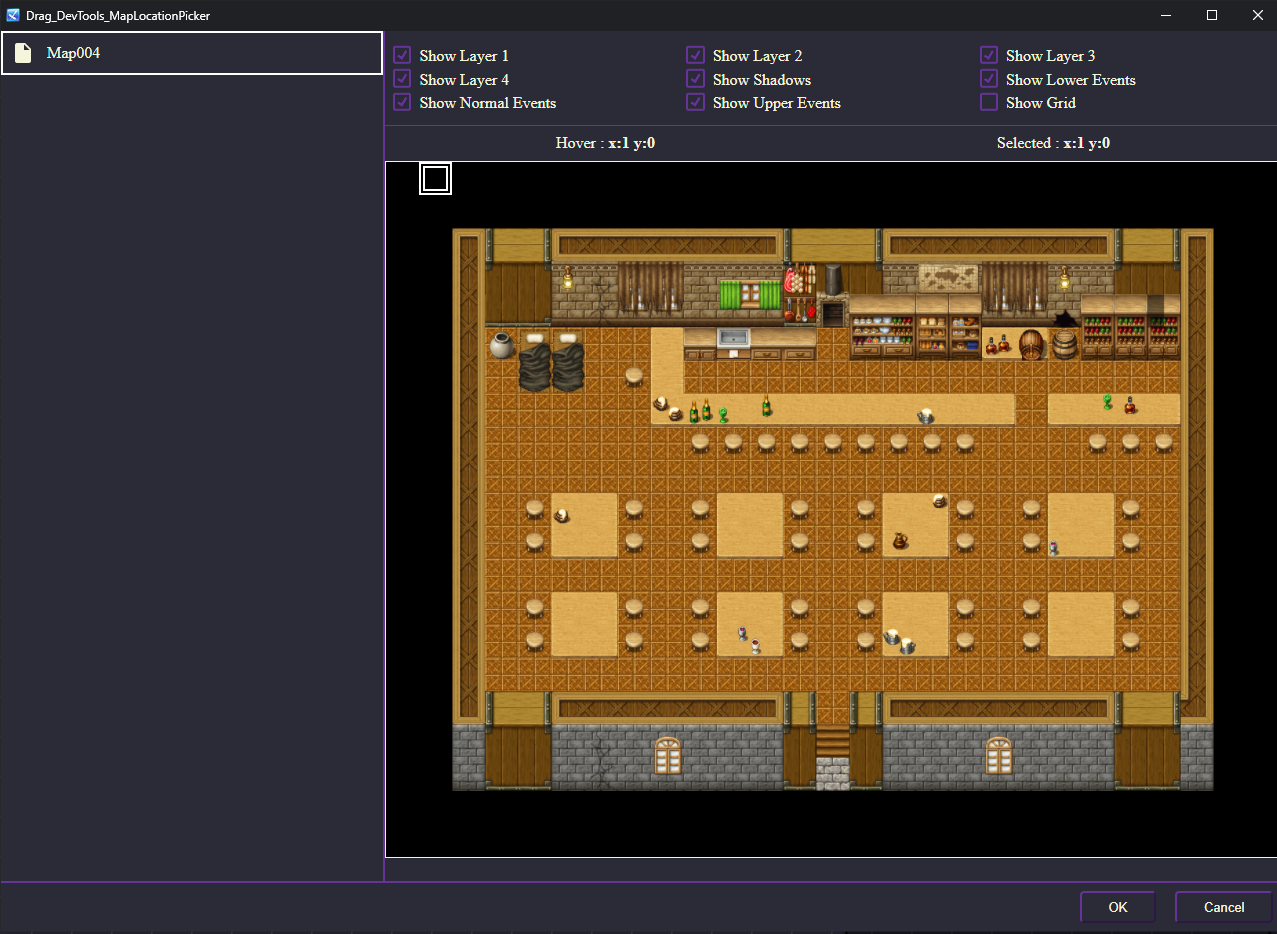
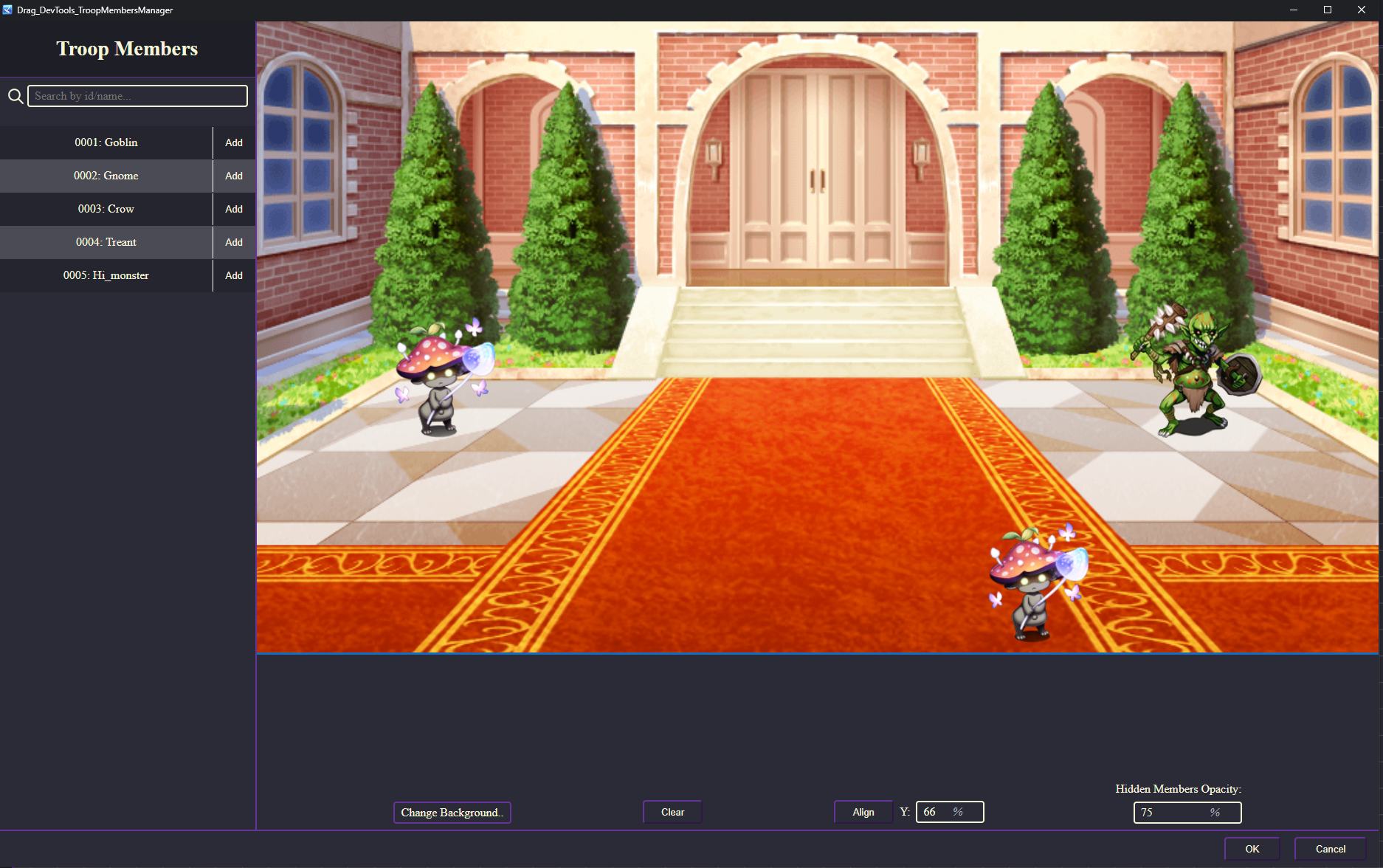
- Various QOL over the native editor, e.g. resizable windows/inputs and command search
- Extended Self-Switches from A-D to A-Z
- Event page naming
- Unlimited common, map and troop events
- Unlimited switches and variables
Installation
- Download the latest version from this page.
- Extract the archive.
- Copy the folders into your RPG Maker project root (where
Game.rmmzprojectorGame.rmmvprojectis located). - Open RPG Maker MV or MZ.
- Add & enable
Drag_VisualEvent.jsin the Plugin Manager. - Start a playtest to launch the Visual Event Editor.
Controls and Shortcuts
| Action | Shortcut |
|---|---|
| Move on Graph | Hold right-click and drag |
| Move a Node | Hold left-click on the node header and drag |
| Move a Curve | Left-click on a curve and drag |
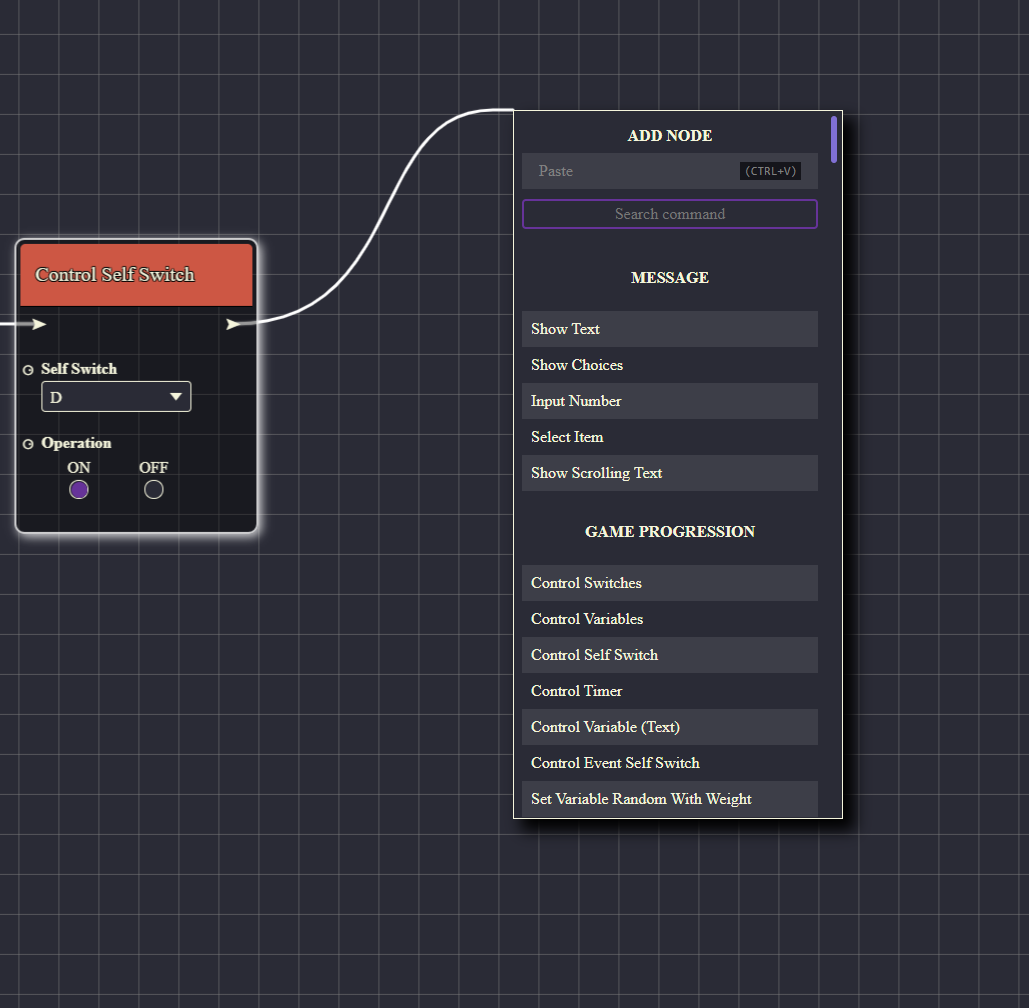
| Open Node List | Right-click on the graph |
| Open Node Context Menu | Right-click on a node header |
| Selection Box | Hold left-click on the graph and drag |
| Focus on Node | Double-click a node |
| Create Reroute Node | Double-click a curve |
| Open Search | Ctrl + F |
| Undo | Ctrl + Z |
| Redo | Ctrl + Y |
| Copy | Ctrl + C |
| Paste | Ctrl + V |
| Cut | Ctrl + X |
| Save | Ctrl + S |
Custom Nodes
The editor supports extensibility through custom nodes.
You can create and distribute your own custom nodes without modifying the core editor. Custom nodes are automatically detected and integrated into the editor.
More documentation will be provided in future updates as the framework is completed. This is still a work in progress.
License
This project is distributed under the Visual Event Editor License.
- Free for personal and commercial game development
- Source code available for learning and customization
- Redistribution of the editor is not permitted without permission
- Custom nodes and extensions may be freely distributed
- Attribution is required
Please refer to the included LICENSE file for full details.
Attribution
If you use this editor in your project, please credit:
Visual Event Editor by DragAndPlugin
Roadmap
- Plugin Manager
- Database Manager
- Backup Manager with easy restoration
- Support for some of my other tools (Debugger & Database Sharer)
- Editor add-ons and custom nodes framework improvements
- Continued performance improvements and bug fixes
About me and this project
Hello, I'm Drag & Plugin! I learned coding in school 12 years ago (as of this writing) and started using RPG Maker shortly before the release of MZ. I’m not much of a game maker myself but I really enjoy creating plugins and programming in general.
After two years of development, I’m excited to release a beta version of my visual event editor for RPG Maker. It is still evolving, and feedback is welcome, but please keep in mind that it still is a work in progress. I tried to include as many quality-of-life as possible, and hope it makes eventing easier and more enjoyable.
This tool was not originally intended for public release. It began as a learning project inspired by Unreal Engine’s Blueprint interface, adapted for RPG Maker. As I continued working on it, I grew pretty passionate about it and decided to polish it and share it with the RPG Maker community.
I hope you will enjoy it !
A special thank you to all the people in the Driftwood Gaming discord server that helped and encouraged me during the development process, shared comments/suggestions and helped me test it (special mention to Bass2yang, thanks a ton !)
Disclaimer : This plugin is still in beta. Unexpected behavior can happen. Backup your project manually before use.
Support and feedback
If you encounter issues or have suggestions, you can post on this page or join the dedicated Discord server (link below).
Github Repo :

Discord Server :

If you wish to support me or the development of this tool, please consider supporting me on Patreon or Buy me a coffee :


Happy game dev' ! :]
Download
Click download now to get access to the following files:
Development log
- Public beta release2 days ago
Leave a comment
Log in with itch.io to leave a comment.